PNG to SVG Converter
Preview every pixel free · no signup to try
3 input formats25 MB per image24h private retention
Choose filesDrop files here or choose filesPNG, JPG, or WebP up to 25 MB · no signup to preview
Private processingProtected preview before purchaseFiles expire after 24 hours
Fast local tracing No signup required to preview
Transform logos, icons, illustrations, and graphics from PNG to SVG with automatic presets for crisp corners and smooth curves.
Inspect the difference
One honest quality check. Every pixel and path in the same view.
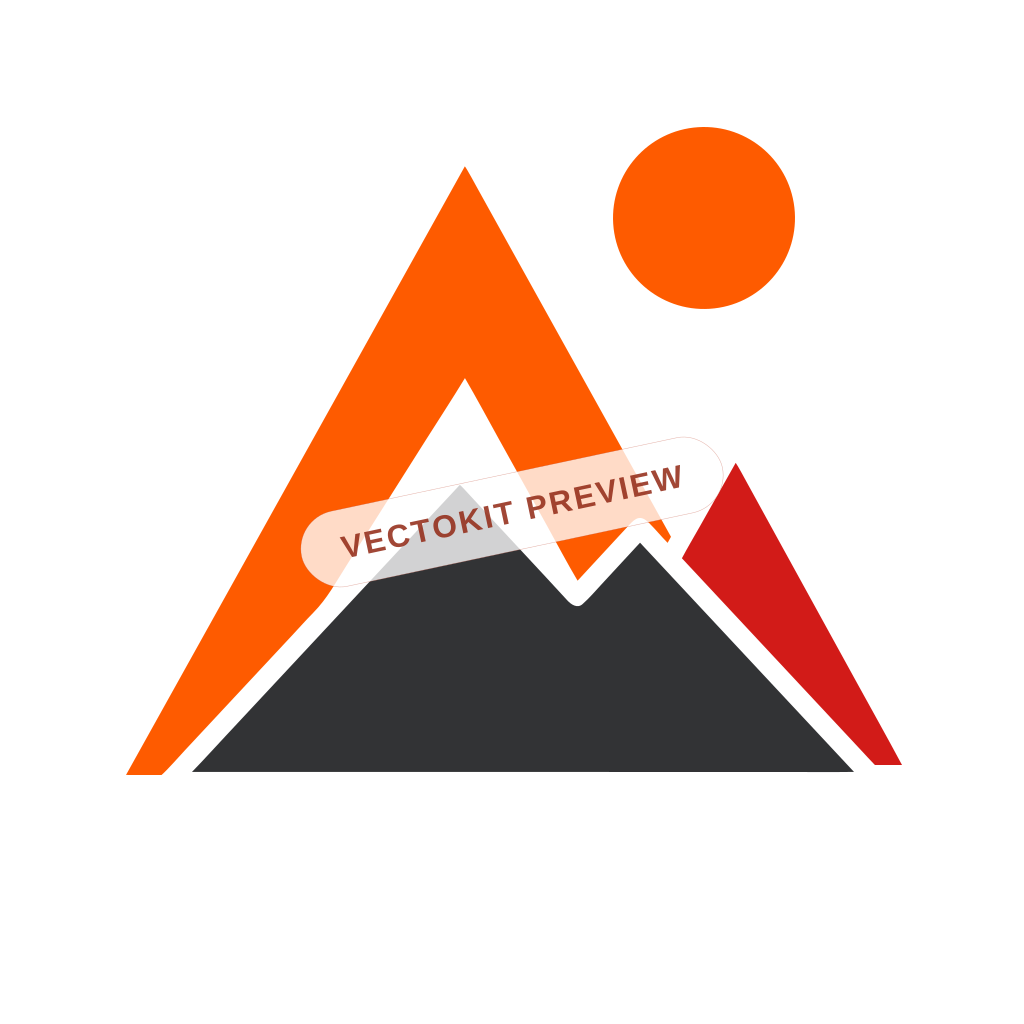
The left side deliberately shows the tiny 64 px version so pixelation is easy to inspect. The matching 1024 px original goes through the real production workflow, and the right side is a watermarked copy of that exact SVG result.

64 px view
Actual SVG render
The left side deliberately shows the 64 px version. The right side is the actual SVG result generated from the matching 1024 px original, with an embedded demo watermark.
One workspace, different outcomes
Not every image problem needs the same preview.
Vectorize a tiny mark, isolate a product, prepare a cut file, or process a folder. Each workflow gets a visual result that matches the job.
Product cutout
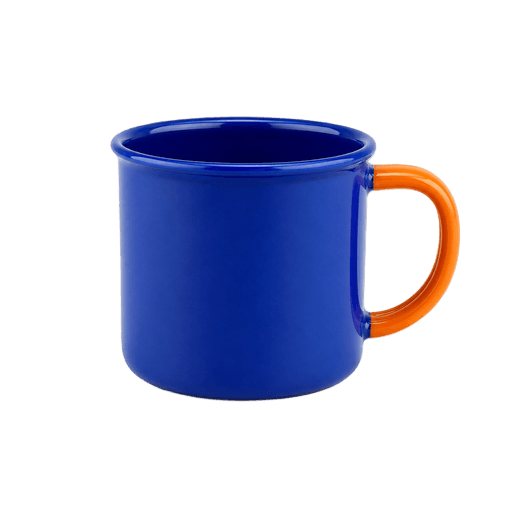
From studio white to transparent PNG.
Inspect fine edges on a checkerboard instead of guessing where the background ends.
Remove background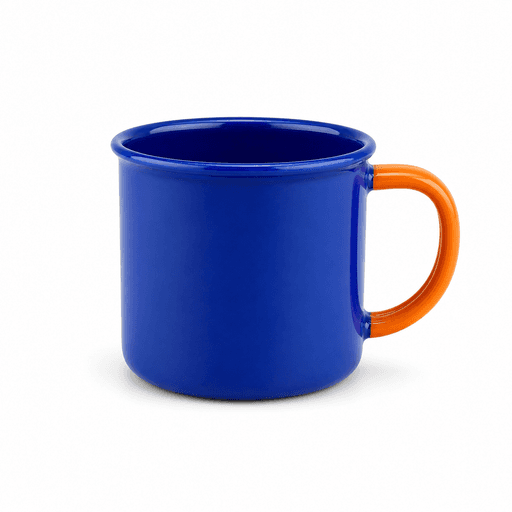
Production prep
See the cut path before it reaches the machine.
Generate offsets, cut lines, material tests, and machine-ready SVG utilities.
Open maker tools Multi-file mode
One upload area—whether you have one image or fifty.
Supported workspace tools switch from a single preview to one organized ZIP when you select multiple files.
Try multi-file conversion Create from text
Start with editable artwork, not another flat image.
Generate vector marks, patterns, brand kits, and SVG concepts from a short brief.
Create an SVGProfessional conversion
Everything needed for a trustworthy vector result.
Focused tooling for the one job: converting raster artwork into a clean, reusable vector without hiding quality behind checkout.
Automatic presets
Detect logos, illustrations, and photos, or choose the tracing strategy manually.
True vector paths
Receive compact SVG paths—not a raster image hidden inside an SVG wrapper.
Colors & transparency
Inspect black artwork, alpha edges, and color layers on light, dark, or checkerboard canvases.
Private by architecture
The browser receives raster previews only. The real SVG remains private until the entitlement is verified.
Small optimized files
Safe multipass optimization removes unnecessary SVG data while preserving geometry.
Pay per result
Unlock one file or choose a transparent pack or subscription when you process more artwork.
Why VectoKit
AI finds the shapes. A second stage cleans the paths.
VectoKit combines AI-assisted vectorization with a separate optimization pass, then puts the complete result in a practical image workspace—not just behind a download button.
| Workflow detail | VectoKitAI + path optimization | OthersTypical alternatives |
|---|---|---|
| Vectorization workflow | Two-stage workflow: AI vectorization followed by dedicated SVG path optimization. | Processing and optimization stages are often not explained. |
| Curves and corners | Shape-aware AI finds the artwork; the optimization stage reduces noisy paths afterward. | Algorithm-only or single-pass tracers can follow raster noise and need more cleanup. |
| Result inspection | Inspect the generated result in a synchronized before-and-after workspace. | Preview depth and inspection tools vary between products. |
| Protected preview | See the complete watermarked result while the downloadable SVG remains private. | Some products require commitment before the full result can be assessed. |
| Small starting point | $1.29 buys three reusable tokens without starting a subscription. | A larger package or recurring plan may be required. |
| One balance | Use the same tokens for vectors, cutouts, upscales, restoration, and generation. | Separate tools, plans, or usage rules are common. |
| Batch workflow | The normal upload area scales from one image to as many as 50 files. | Batch processing may live in a separate workflow or plan. |
| Free SVG utilities | Optimization, export, maker, and preparation tools do not consume AI tokens. | Utility access and charges differ from one service to another. |
| Result history | A private seven-day workspace keeps previews and downloads together. | Retention periods and download access vary. |
“Others” summarizes common product patterns for orientation. Individual tools and plans differ.
Practical vector knowledge
Make the right file—not merely a different extension.
Source preparation, quality checks, and production guidance for web, print, cutting, and editing workflows.
How to create a favicon from your logo (sizes, format, and checklist)
A favicon is not simply a smaller logo. Learn how to simplify the mark, test it at real tab size, and export a dependable favicon set.
SVG not uploading to Cricut Design Space? Fix it step by step
A file can be valid SVG and still fail in Design Space. Use this order to find unsupported content, excessive paths, and cut-line problems.
How to convert a hand-drawn logo or sketch into a vector
The goal is not to trace every pencil grain. Preserve the idea, choose which handmade qualities are intentional, and rebuild the mark as controlled vector geometry.
Complete toolkit
Keep the next step in the same workflow.
Every converter and production utility has a focused page, a real output, and the same predictable interface.
Convert artwork
PNG to SVG converterImage to SVG converterOnline image vectorizerPNG to vectorJPG to vectorCricut SVG converterLaser cutting vectorizerEmbroidery artwork vectorizerVinyl cut vectorizerMarketplace SVG prepPrint-ready merch vectorJPG to SVG converterLogo vectorizerLogo digitizer from photoImprove images
Background removerImage upscalerAI photo restorationMirror and bleedColoring page makerImage metadata & EXIF remover300 DPI image converter & checkerTrim transparent pixelsCreate with AI
SVG pattern generatorAI vector logo generatorAI SVG generatorBrand identity generatorAI image generatorProduct content generatorPrepare for production
Text to SVGQR code SVG generatorSVG design checkerCut file checkerSVG color separatorCutting mat previewSVG offset generatorSticker cut line generatorHalftone SVG generatorVinyl color matcherThread color mapperLaser material test cardDTF gang sheet builderSVG nesting toolEdit and export
Safe SVG cleaner & sanitizerSVG optimizerSVG to PNGSVG to PDFSVG to DXFSVG to EPSSVG to G-codeSVG color replacerFavicon generatorSVG animatorBuilt for real workflows
From tiny app icon to billboard-sized artwork.
Web & product teams
Logos, app icons, illustrations, and responsive web assets.
Crafters & makers
Clean shapes for Cricut, Silhouette, vinyl, and laser work.
Designers & agencies
Editable client assets for Figma, Illustrator, and Inkscape.
Print & merchandise
Scalable graphics for packaging, signs, apparel, and decals.
Three simple steps
From pixels to paths without a design suite.
Upload
Choose a PNG, JPG, or WebP and the best tracing preset.
Inspect
Compare at up to 800% on three transparency backgrounds.
Unlock
Sign in, use one token, and download the private editable SVG.
A safer preview model
The SVG never leaks through a public preview URL.
Previews are high-resolution raster files tied to the anonymous browser session. The unwatermarked SVG stays in private storage and requires both the owning account and a paid entitlement.
- HTTP-only anonymous access token
- Private, non-public storage paths
- Account and purchase verification on download
- 24-hour anonymous preview; seven-day unlocked history
Browser upload Private tracing Entitled SVG
Simple launch pricing
Start with three tokens—or scale at a lower price per image.
from $0.10per AI image with Studio annual billingCompare token packs
Frequently asked
Before you upload.
Can I inspect the complete result before paying?
Yes. Compare the full image, switch backgrounds, and zoom to 800%. The preview is rasterized and watermarked so the private SVG cannot be extracted from the page.
Which mode should I choose?
Auto is the recommended default. Logo preserves corners and flat colors, Illustration balances detail and smoothness, and Photo keeps more color layers.
Does the SVG contain real editable paths?
Yes. The output is made of optimized paths and solid color fills, with no embedded copy of the original raster.
How are transparent and black graphics previewed?
Both previews preserve alpha losslessly. Use the checker, white, and dark canvas buttons to reveal every color correctly.
How are accounts and downloads protected?
Authentication, token balances, and download permissions are enforced on the server. Private source files and unrestricted vectors are never exposed through public asset URLs.